LightBlue is a BLE development tool we built to solve problems we kept running into, the friction that slows down every BLE project. We share it freely with the community because these challenges show up everywhere: hardware that doesn’t exist yet, bugs that only surface sometimes, security that breaks at the worst moment, and assumptions about performance that don’t survive real-world use.
This article walks through four situations where LightBlue changes how you work. You’ll see where it fits into your development process, what problems it helps solve, and when you might reach for it. Each section links to detailed guides if you want to dig into implementation.
We hope this helps you work better and ship faster.
New to LightBlue? Start with our How To Use LightBlue Guide for basic setup and features.
1. Keep Mobile Moving Before Hardware Exists
Mobile development doesn’t have to stop when hardware isn’t ready. Yes, boards are weeks away and firmware is still in bootloader land, but your app team has sprints to complete and features to build.
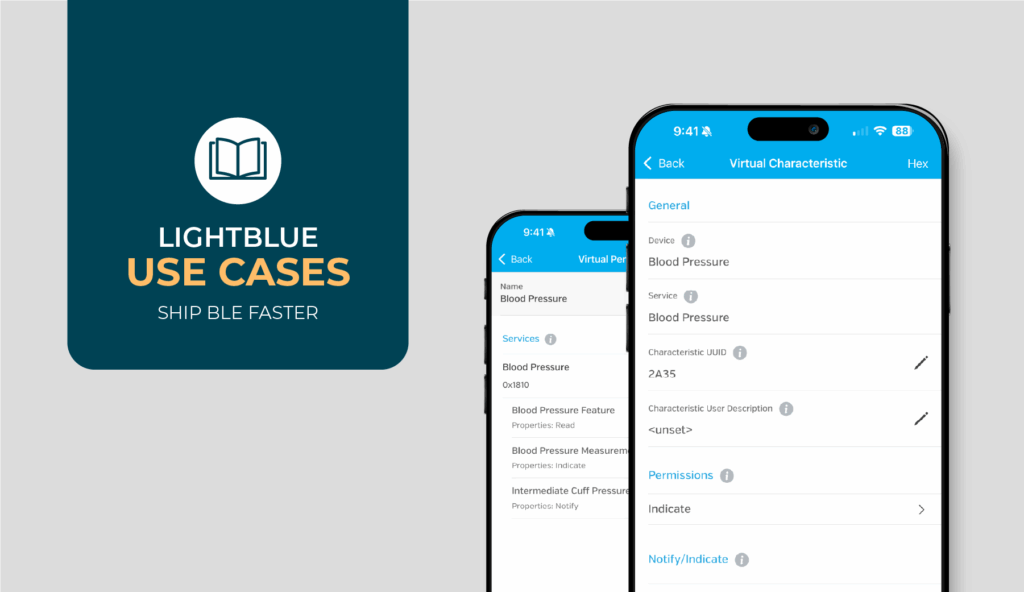
LightBlue’s Virtual Device feature breaks that dependency. It lets you spin up a peripheral that mirrors your target GATT profile. Mobile can connect to something that behaves like your real device, streaming data at realistic rates, returning proper error conditions, and changing values based on connection events. This isn’t just a mock; it’s a living contract. When the spec inevitably changes (and it will), update the Virtual Device and everyone’s testing against the current reality.

Virtual Devices turn weeks of sequential waiting into parallel development. Mobile ships features while firmware builds boards.
You might need this if:
- Your mobile team is waiting on hardware that’s weeks away
- GATT profile keeps changing as requirements evolve
- You need to test error handling but can’t trigger failures with real hardware
- Multiple app teams need consistent test peripherals
What this gets you: Create virtual peripherals with custom GATT profiles, simulate realistic data patterns, modify characteristic values on the fly, and provide consistent test targets across your team—all without waiting for hardware to exist.
2. Pinpoint Intermittent BLE Connection Issues
“It disconnects sometimes” might be the most expensive sentence in BLE development. Is it distance? Interference? That state machine bug nobody wants to own? Without evidence, you’re stuck in meetings debating theories while the PM gets increasingly frustrated.
LightBlue turns theories into data. Save the problematic peripheral so every test starts from the same state. No more “well it worked for me” excuses. Live logs capture exactly what happened before a disconnect, down to the packet level. Watch RSSI fluctuate as you move around, correlate drops with distance, and see if changing connection intervals from 30ms to 100ms suddenly fixes everything. Now you have evidence, not guesses.
The patterns become obvious once you have data. Connection drops at exactly -85 dBm? That’s your effective range. Failures every 30 seconds? Check your supervision timeout. Works everywhere except near the lab equipment? Hello, EMI interference. Only fails after the second reconnect? Your notification callbacks are probably pointing to a dead handle.

You might need this if:
- Experiencing random disconnects that nobody can consistently reproduce
- Seeing inconsistent behavior between different phone models or OS versions
- Dealing with “it works on my device” situations
- Trying to isolate whether issues are environmental, device-specific, or code-related
In practice: Save peripheral configurations for reproducible testing, capture live connection logs, monitor RSSI patterns to correlate signal strength with behavior, and inspect connection parameters to identify configuration issues. It turns “sometimes” into “here’s why.”
3. Verify BLE Security and Pairing Early
Security always gets tested last. When you’re trying to get basic connectivity working, nobody wants to deal with pairing dialogs and encryption requirements. Then certification day arrives and surprise! iOS doesn’t trigger pairing, Android shows the prompt twice, or your “encrypted” characteristic reads just fine without bonding.
LightBlue lets you catch these disasters early. Read a protected characteristic and see if the pairing dialog actually appears. Unpair, try again. Does it still prompt or does something get cached? Force a disconnect mid-pairing and see what state you’re left in. You’re basically trying to break your own security implementation before someone else does.
The platform differences are real and painful. iOS might handle your encryption-without-bonding requirement perfectly while Android silently fails. Some Android devices cache security levels incorrectly and need explicit GATT cache clearing. Test phones that are already bonded hide problems that new users will hit immediately.
You might need this if:
- Working on products with security or compliance requirements (medical, industrial, financial)
- Seeing inconsistent pairing behavior across iOS and Android
- Dealing with bonding issues after firmware updates
- Need to validate encrypted characteristics actually enforce security
The results: Test pairing flows before hardware is locked down, verify security requirements are enforced correctly, identify platform-specific security handling differences, and catch bonding cache issues. Security review becomes a formality instead of an emergency.
4. Stress-Test BLE Performance Before Release
Your prototype handles one connection beautifully. Smooth data flow, stable connection, everyone’s happy. Then you ship, and reality hits. Customer connects three devices. The app chokes. Packets drop. Support tickets pile up. “But it worked perfectly in the lab!”
LightBlue helps you find those limits before your customers do. With LBX Virtual Device peripherals, you can connect to multiple simulated peripherals simultaneously (no extra hardware required) and observe how your app behaves under load. Spin up several virtual devices, then ramp up the stress: stream notifications at increasing rates (50 per second, then 100 per second). When does your app start dropping packets? Try different MTU sizes. Some peripherals will negotiate the default ~23-byte MTU while others allow much larger values. Does your code handle both cases cleanly?
The nasty surprises we’ve found: Some phones handle three connections fine but die at four. High notification rates work great until the MTU is small, then packets arrive in bursts that overflow buffers. Background handling that seems solid breaks completely when notifications exceed 20 per second. WiFi streaming plus multiple BLE connections equals unexpected failures on certain chipsets.
You might need this if:
- Your product supports multiple simultaneous connections
- You’re streaming high-frequency sensor data
- Users will operate devices while moving or in environments with interference
- You need to validate performance across different phone models and OS versions
Bottom line: Test multi-connection scenarios without owning multiple hardware units, simulate high-frequency notifications to find throughput limits, monitor MTU negotiation across platforms, and verify background performance—so you ship knowing your limits, not hoping they work.
Bringing It All Together
Every BLE project hits these same friction points. Hardware shows up late, that intermittent bug eats a week of debugging, security gets properly tested never, and the first time you connect three devices at once is during the customer demo. We know because we’ve lived it.
LightBlue exists to solve the problems we actually have, not the ones that sound good in a product brief. When you can simulate devices before they exist, reproduce bugs on demand, and stress-test the multi-device scenarios that always explode during demos, you ship better products with less drama.
We hope sharing these patterns helps you spot opportunities to leverage LightBlue in your own workflow. BLE development is hard enough without unnecessary friction. If these approaches help you work better and ship faster, we’ve done our job.
Where to Go Next
Ready to put these patterns to work? Start here:
- Get the LightBlue App – Download or update to the latest version.
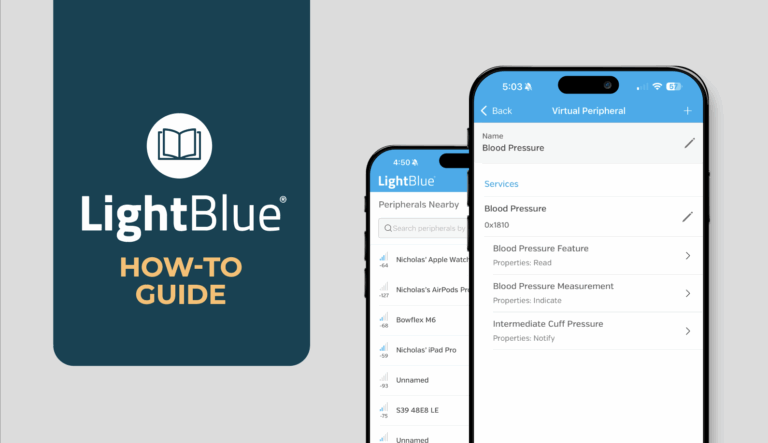
- LightBlue How-To Guide – Step-by-step setup and configuration instructions.
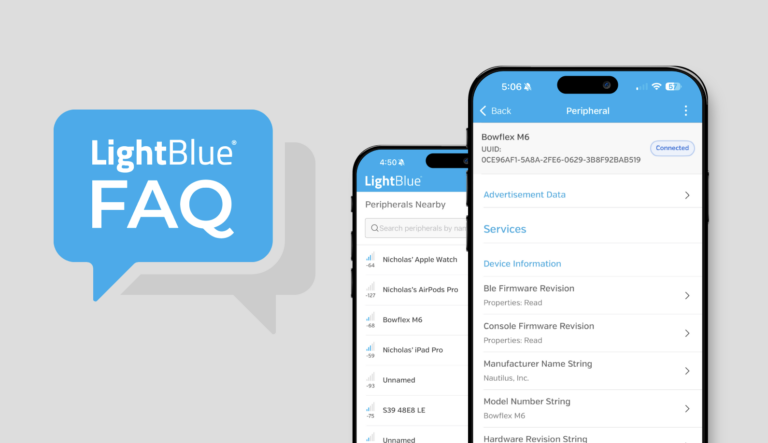
- LightBlue FAQ – Quick answers to common setup and troubleshooting questions.
- More LightBlue Articles – Advanced workflows and best practices.
If you’re dealing with something more complex like architectural decisions, performance optimization, or getting an ambitious BLE project back on track, reach out. We’ve spent years in the trenches with this technology and can help you navigate whatever’s blocking progress.